
Upload
Attach project plans and related files.
Building plans
Store drawings, plan updates, and related documents where the project team can find and act on them.
Plans
connected to execution
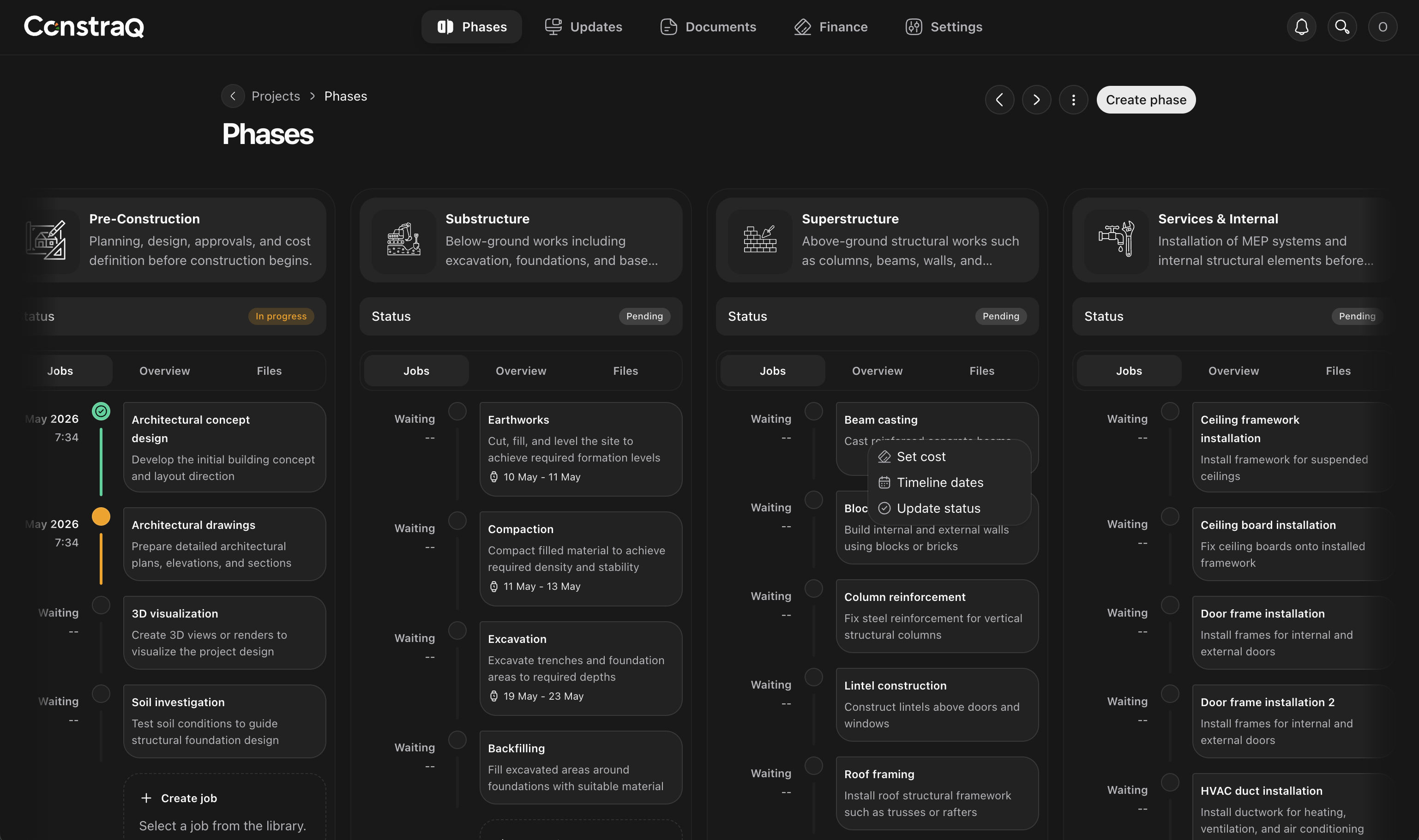
Building plans should stay close to the work they guide. Constraq keeps plans, documents, project phases, and team updates in one operating record.
Attach project plans and related files.
Use available building plans where supported.
Keep plans connected to project activity.
What you can do
Attach building plans and supporting documents to project workspaces.
Browse or select available building plans before moving into execution.
Keep plans close to phases, documents, updates, and project stakeholders.
Workflow
Constraq helps teams keep plan references organized so execution is easier to follow.
Upload or select a plan.
Attach it to the relevant project.
Keep related documents and updates in the same workspace.
Use the project record as the source of truth.
Bring drawings and project files into the workspace where delivery happens.
Go to app